Platform
Desktop Application
(macOS & Windows)
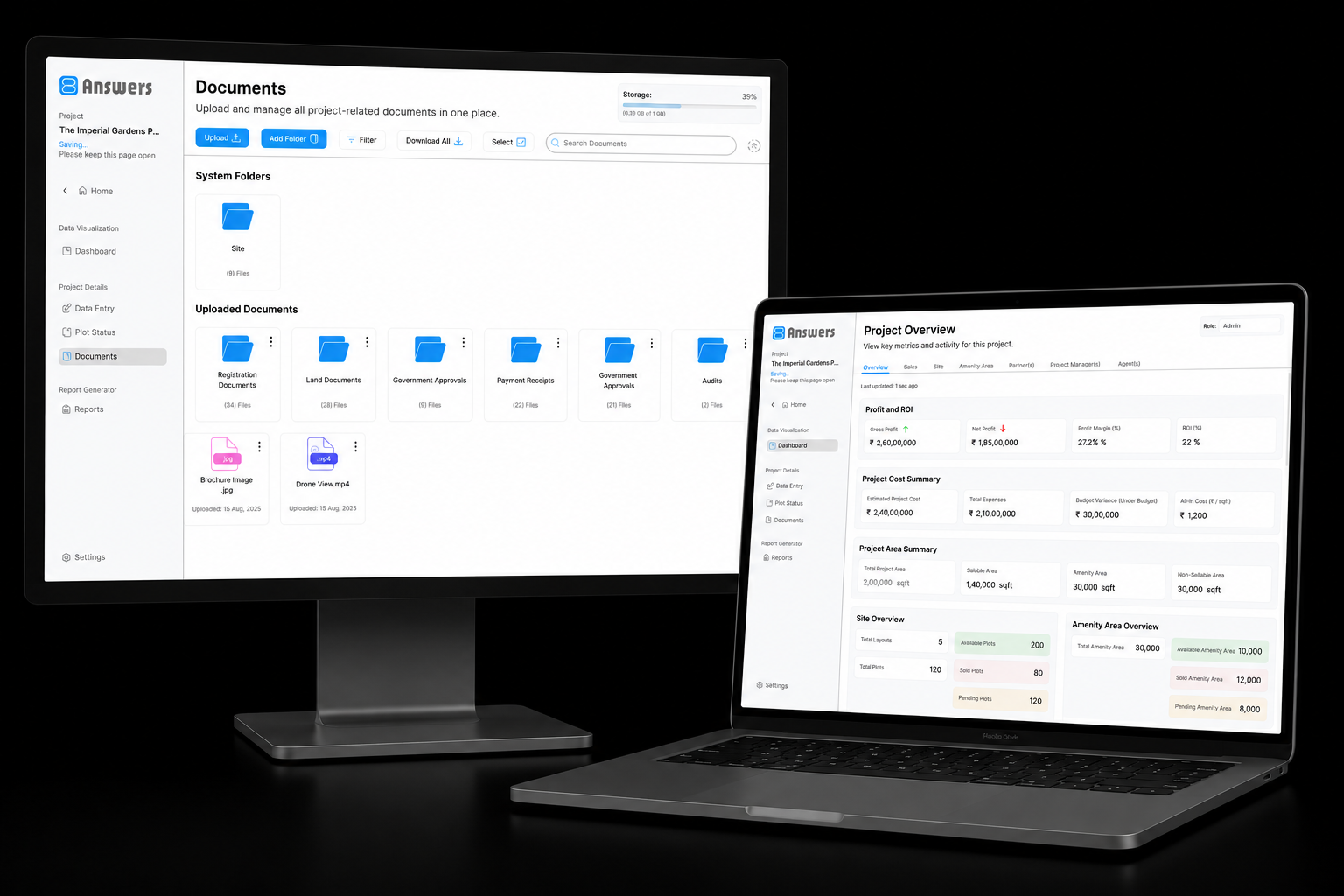
8Answers is a collaborative real estate management platform that helps developers, investors, project managers, and sales agents manage the complete life-cycle of a real estate project; from land acquisition and development planning to financial tracking, commission management, and property sales. The platform centralizes project operations, reporting, and marketplace functionality within a secure role-based ecosystem.
Desktop Application
(macOS & Windows)
Manual, fragmented financial management in regional land projects.
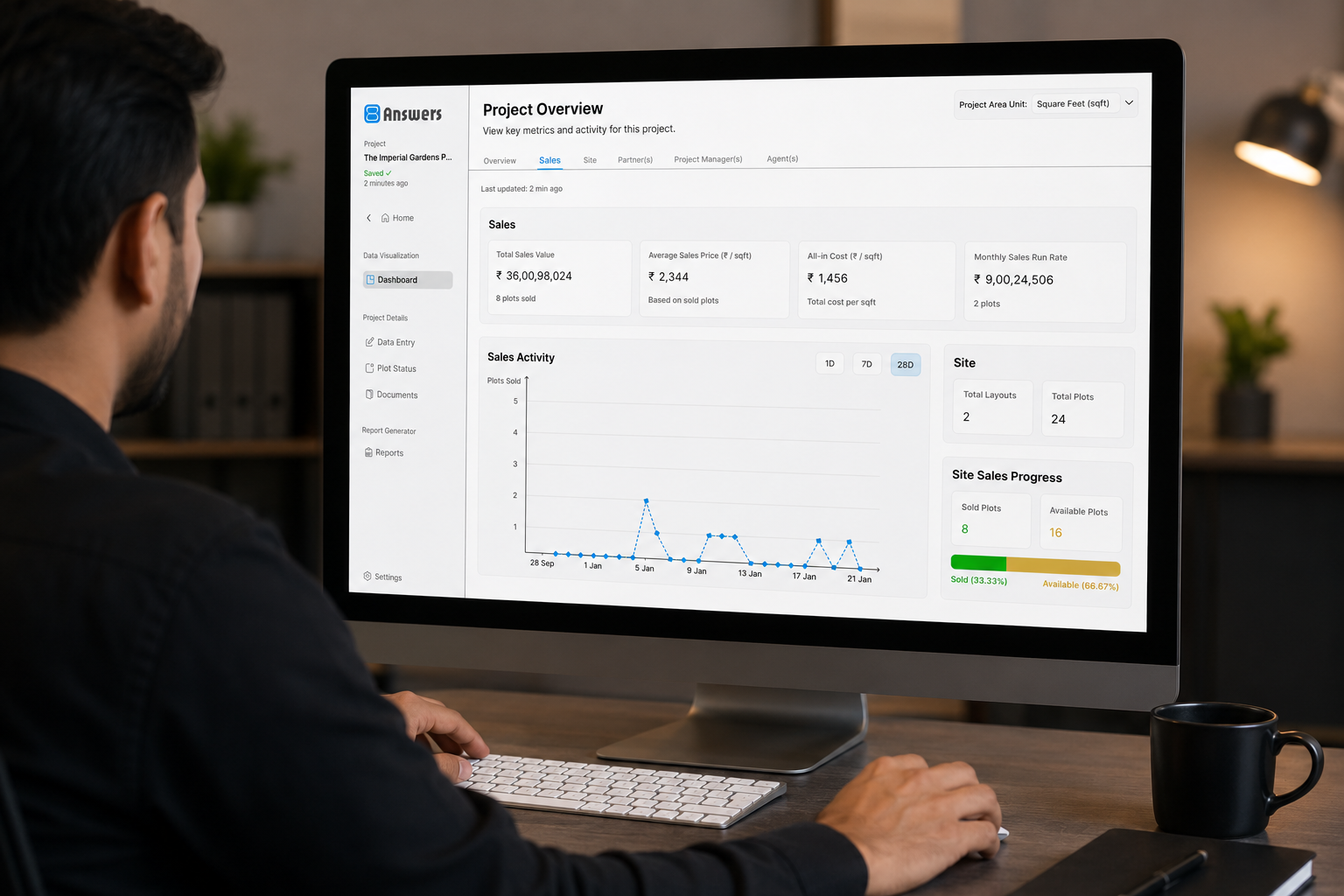

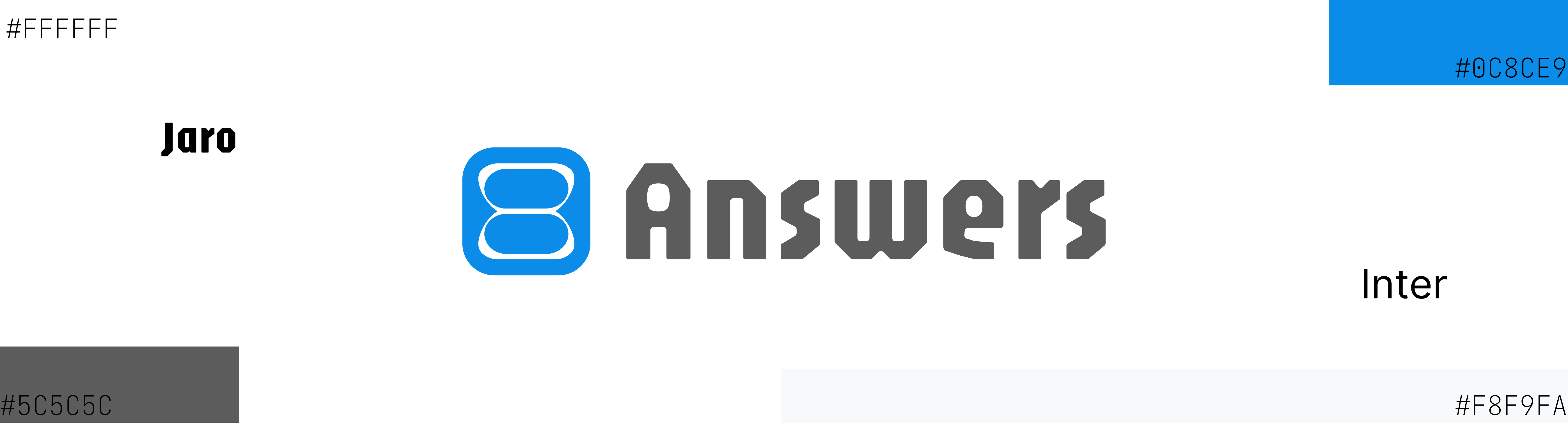
The 8Answers identity was designed to represent continuous solutions for complex real estate workflows. The logo symbol is derived from the number 8, shaped into an infinity-inspired form representing growth, collaboration, and connected workflows across projects, finances, stakeholders, and property sales.
The UI direction focused on clean dashboards, structured layouts, and simplified workflows for both technical and non-technical users. The primary color #0C8CE9 was chosen to represent trust, reliability, professionalism, and a sense of safety within financial and project management experiences.
Designed a role-based real estate management platform that combines project operations, financial tracking, commission management, interactive layout planning, and property sales into a single system.
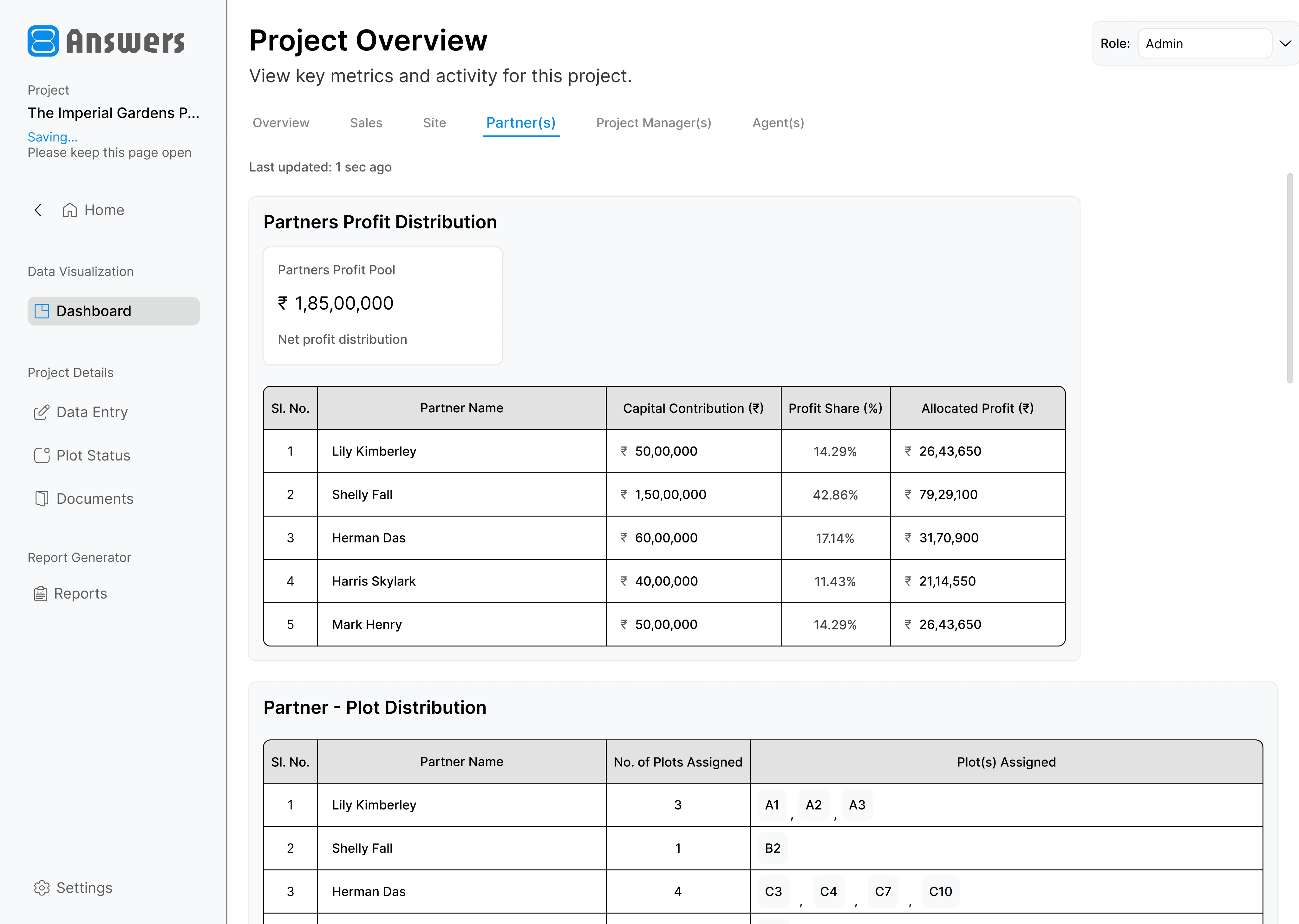
A clear overview of project performance, financials, sales, inventory, partner investments, project manager activity, and agent commissions.
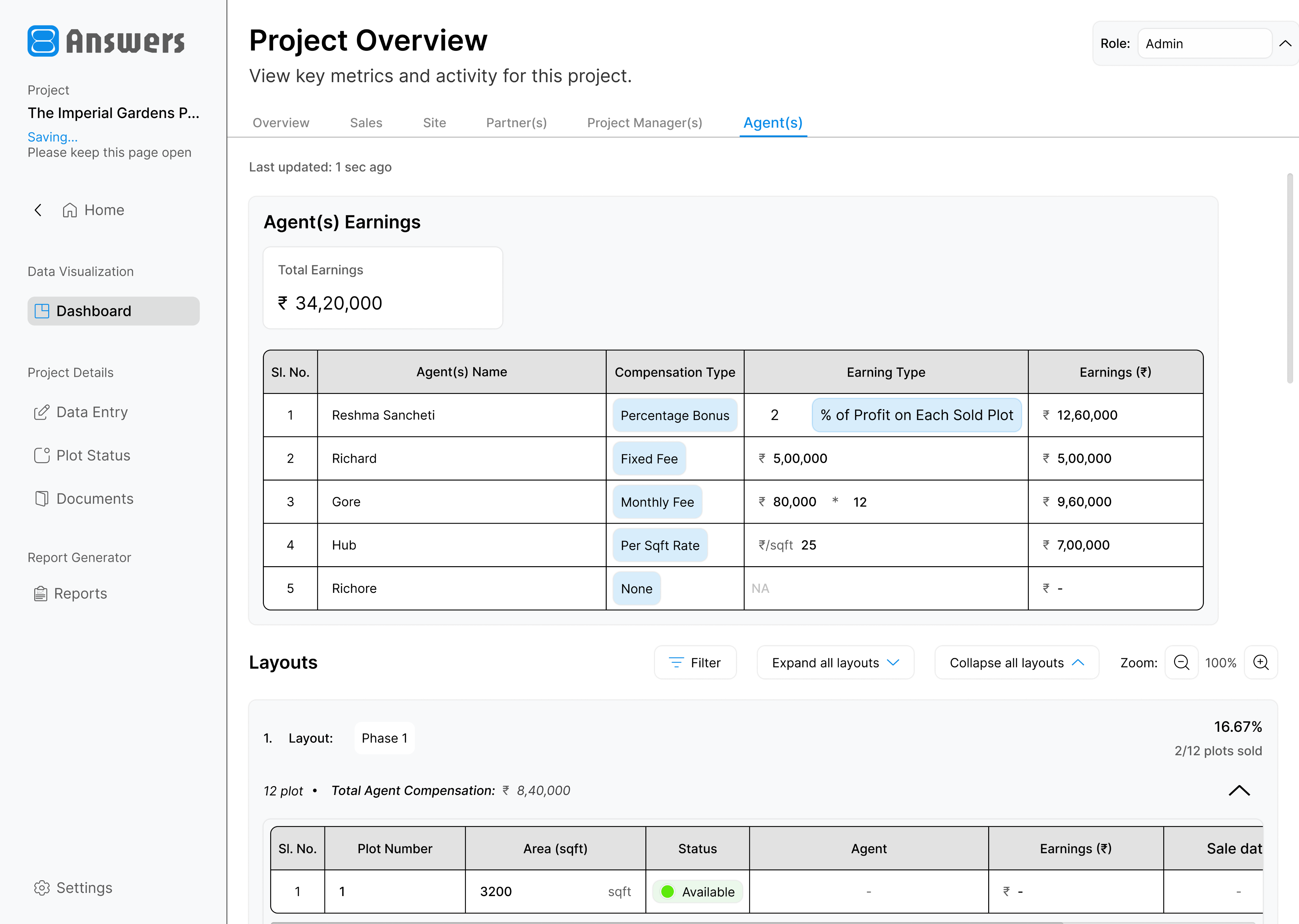
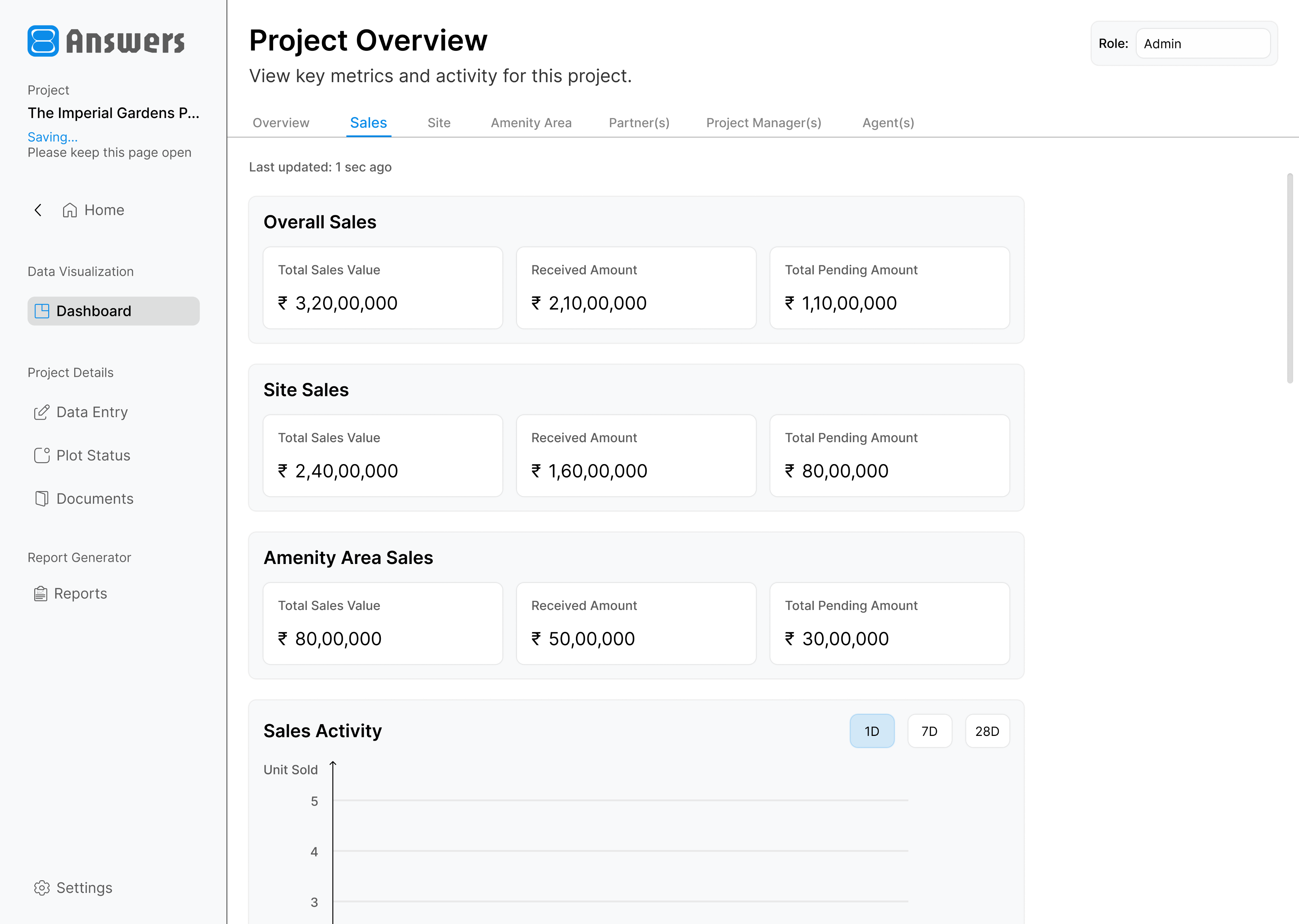
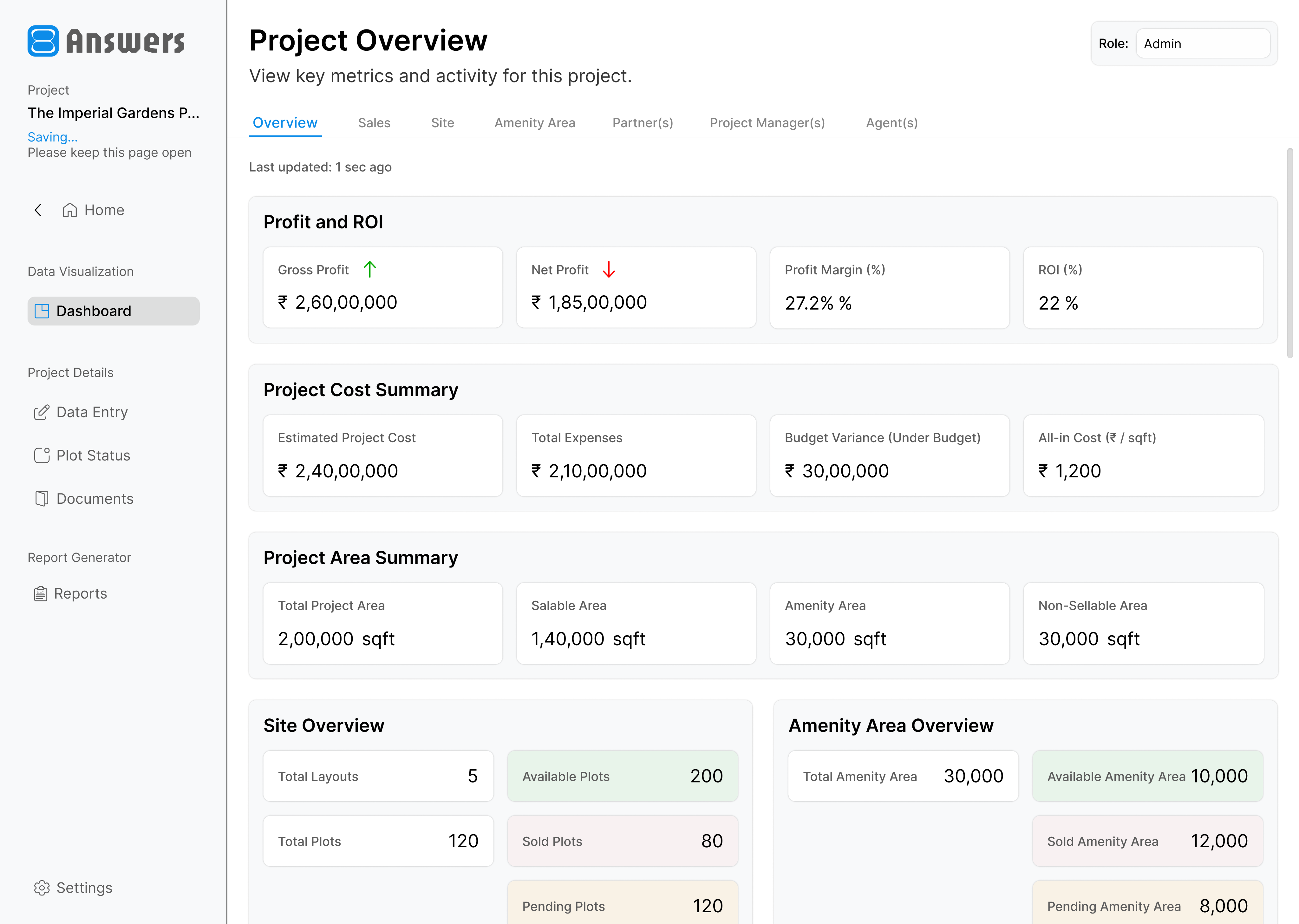
1 / 4
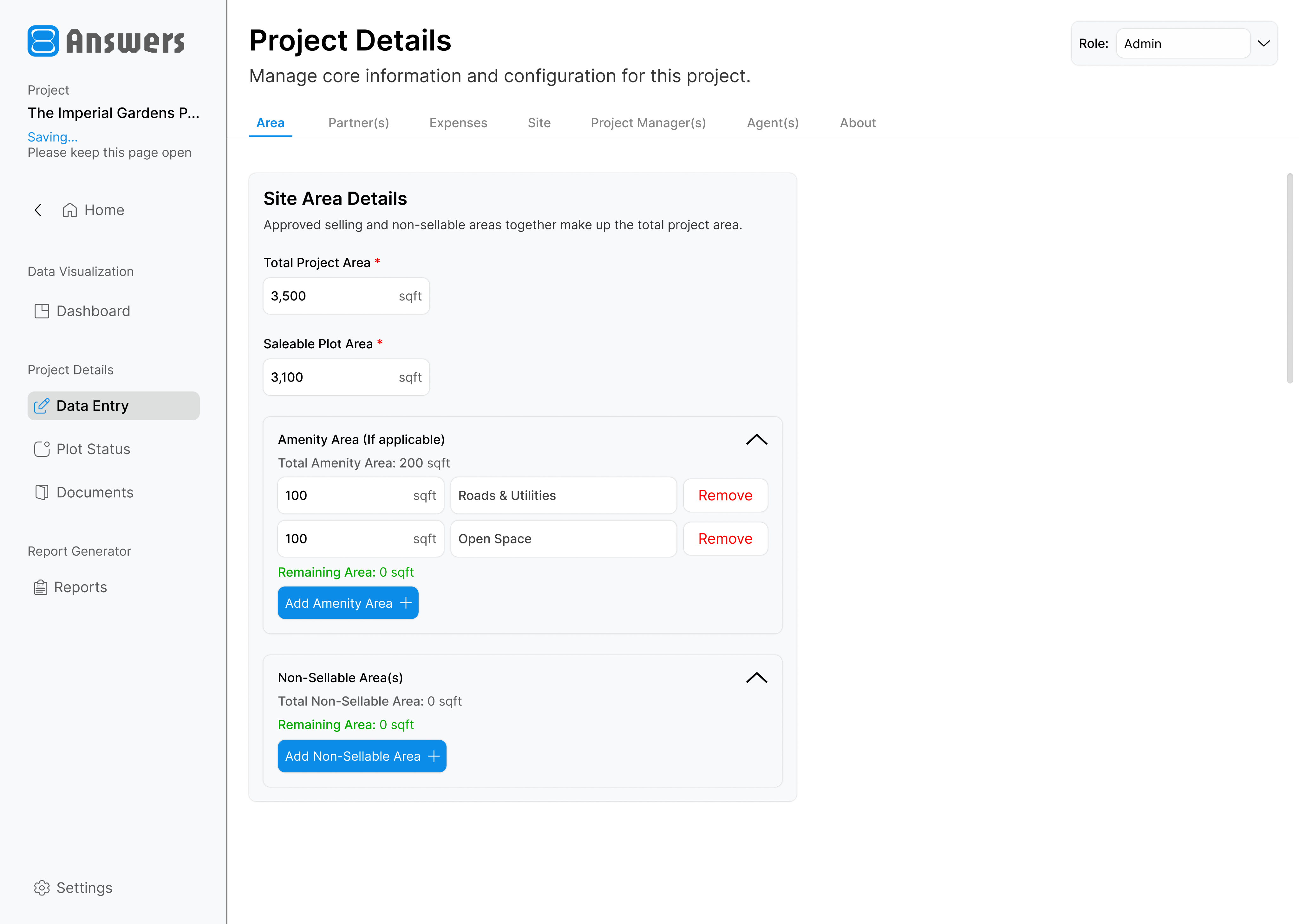
Simplified project creation with structured forms for project details, area information, partners, expenses, plots, amenities, and team assignments.
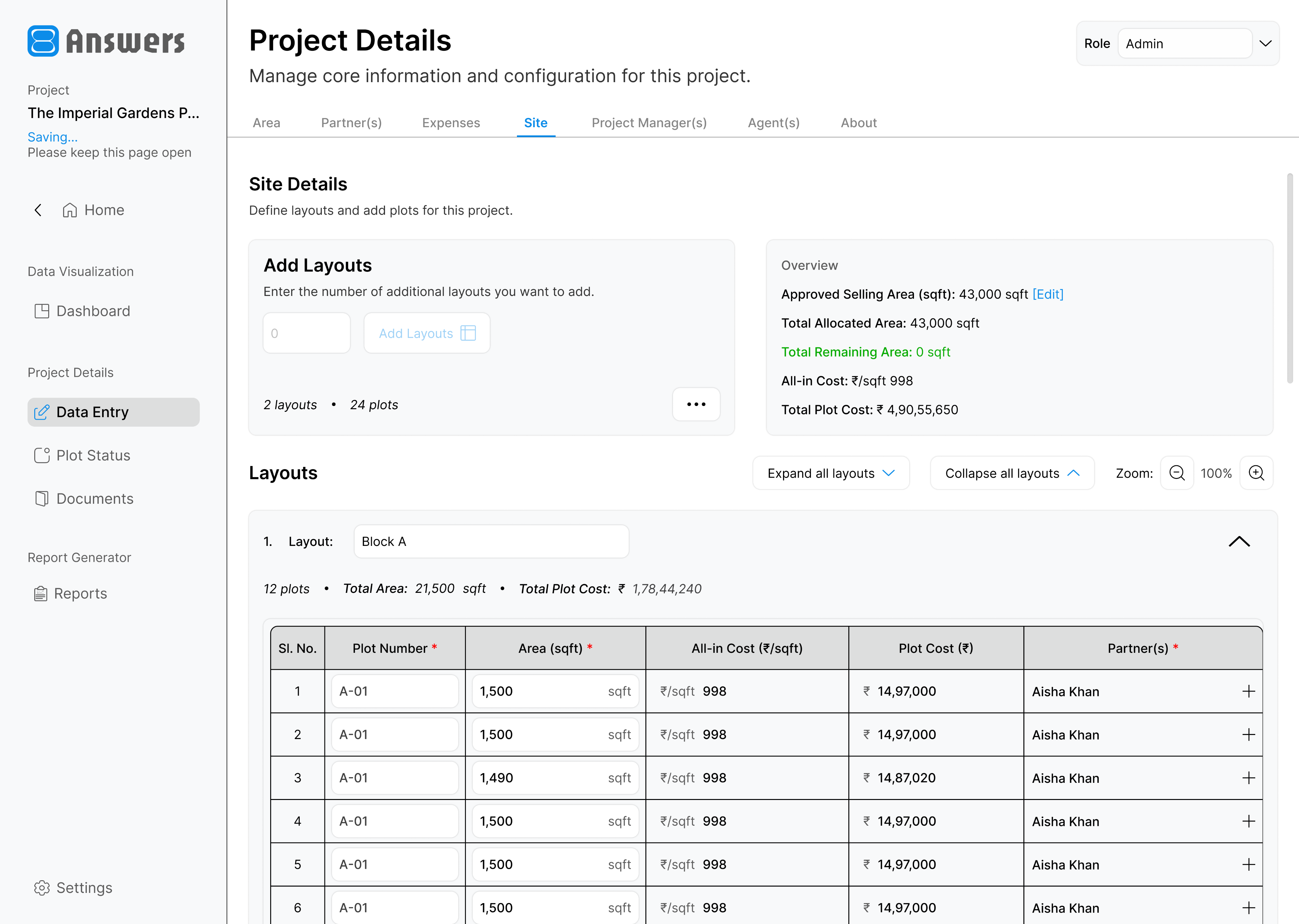
1 / 2
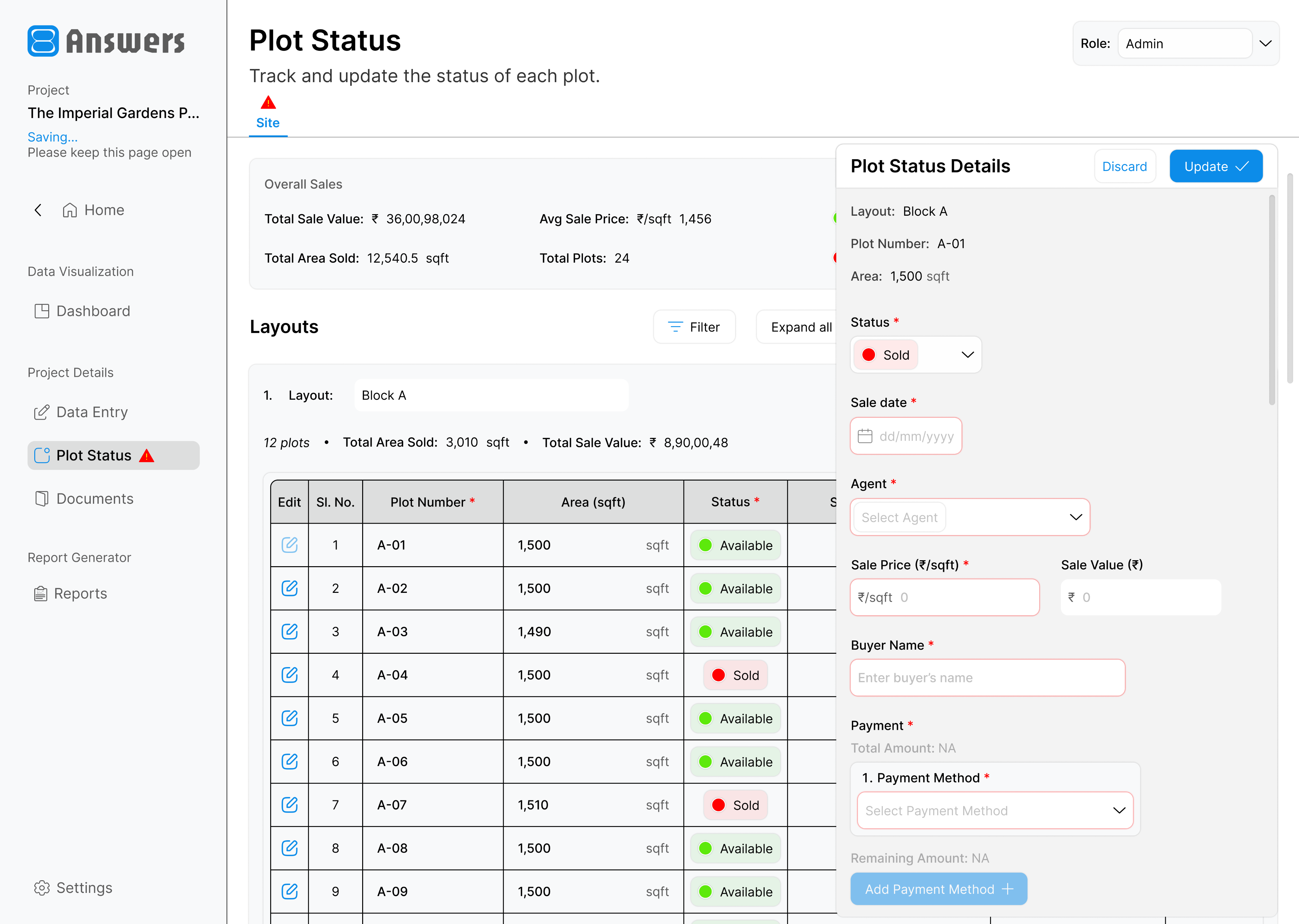
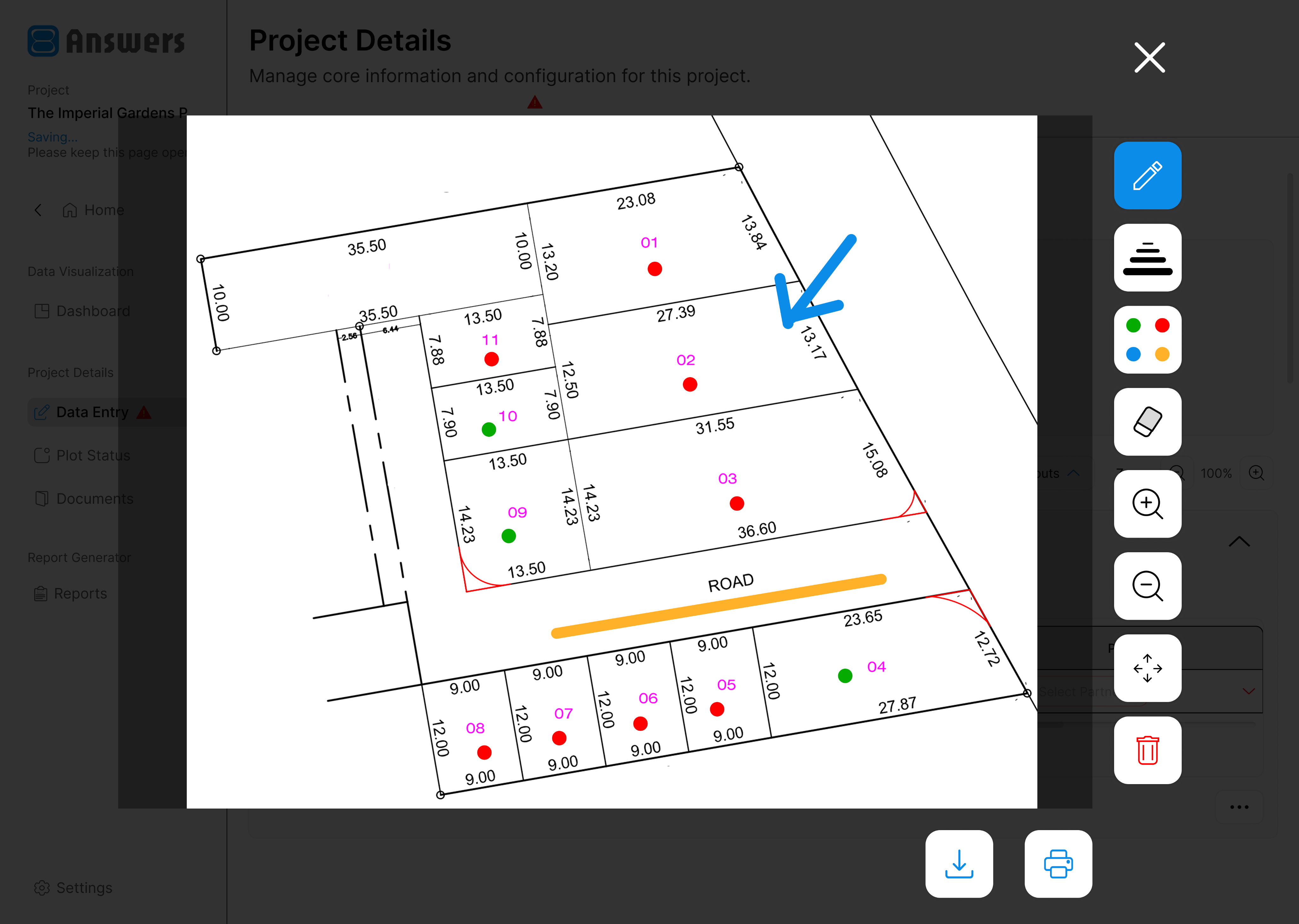
Interactive layout management for plot inventory, availability, and project-level land planning.
1 / 2
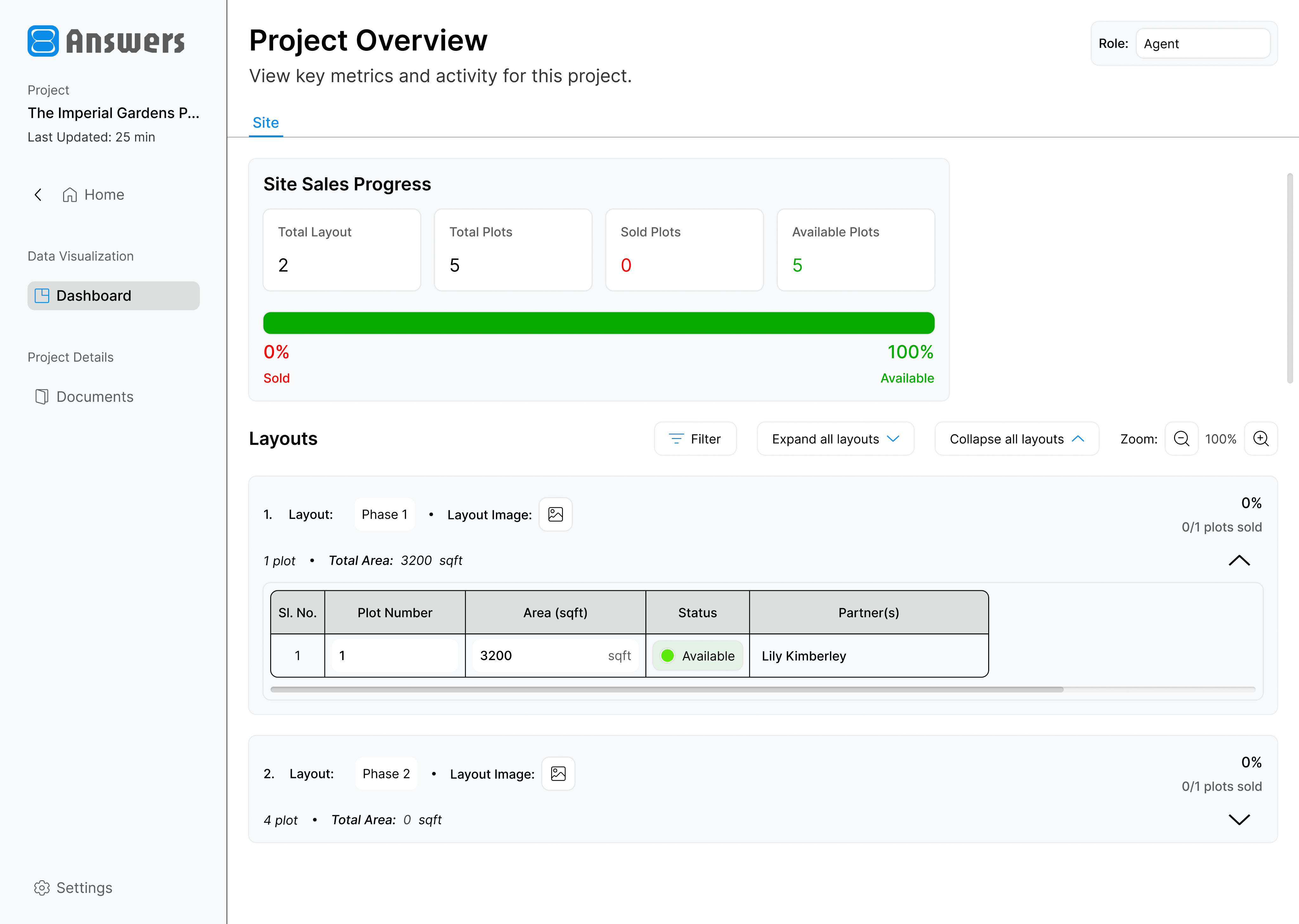
Enable agents to view plot inventory, availability status, and layout-wise property information.
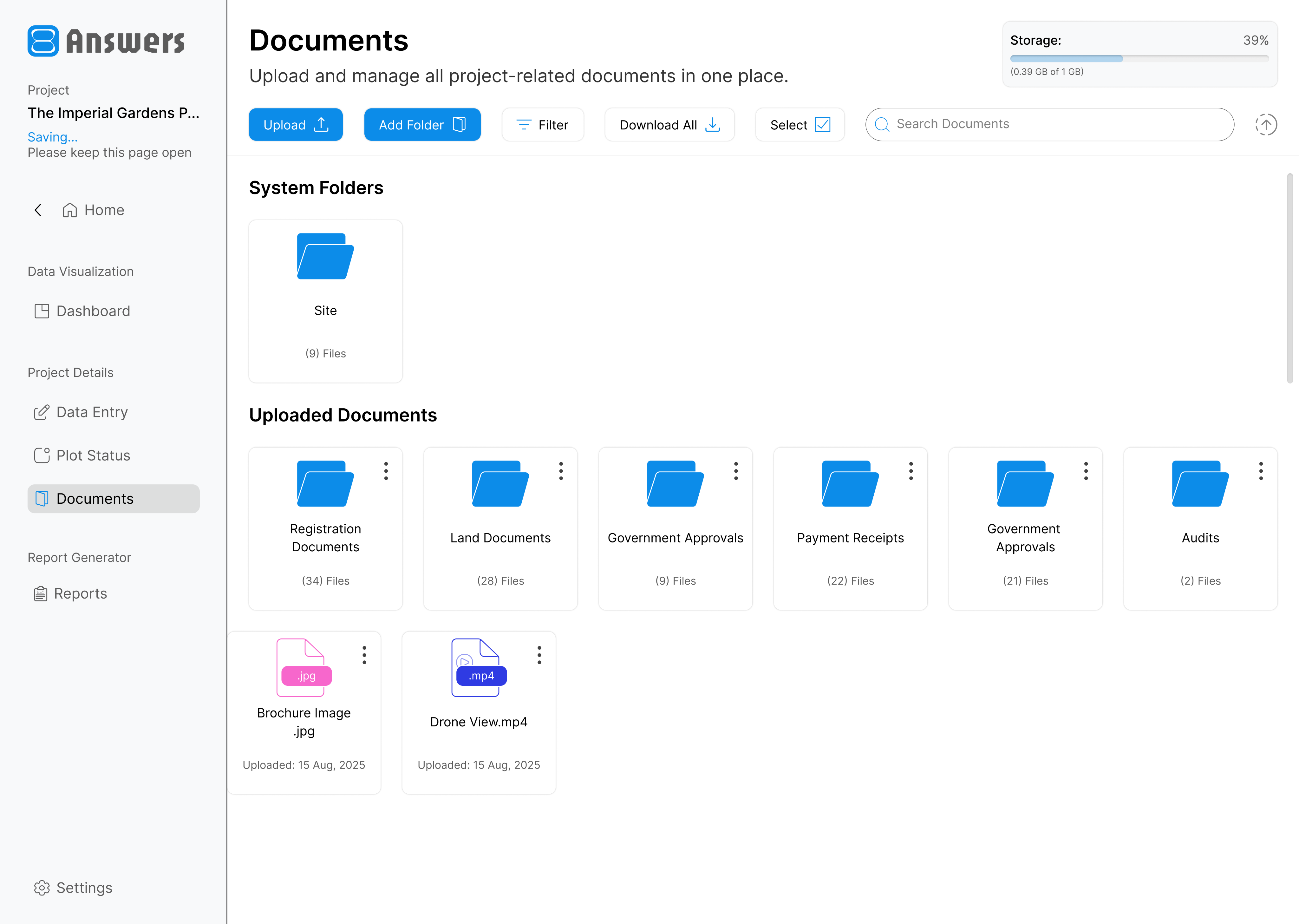
Store and organize contracts, approvals, photos, drawings, reports, and other project-related files in one place.
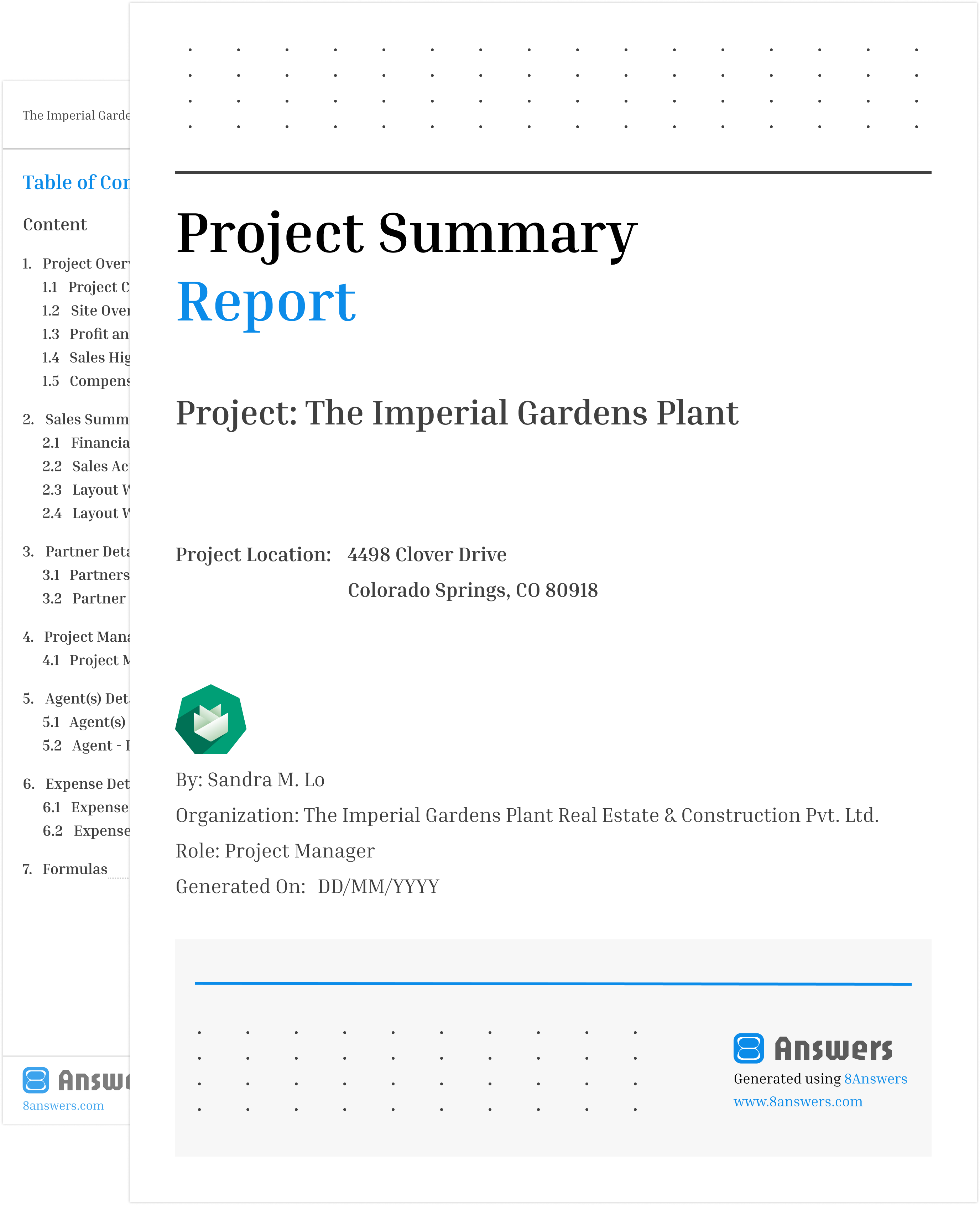
Generate comprehensive reports covering finances, investments, expenses, commissions, inventory, and sales performance.
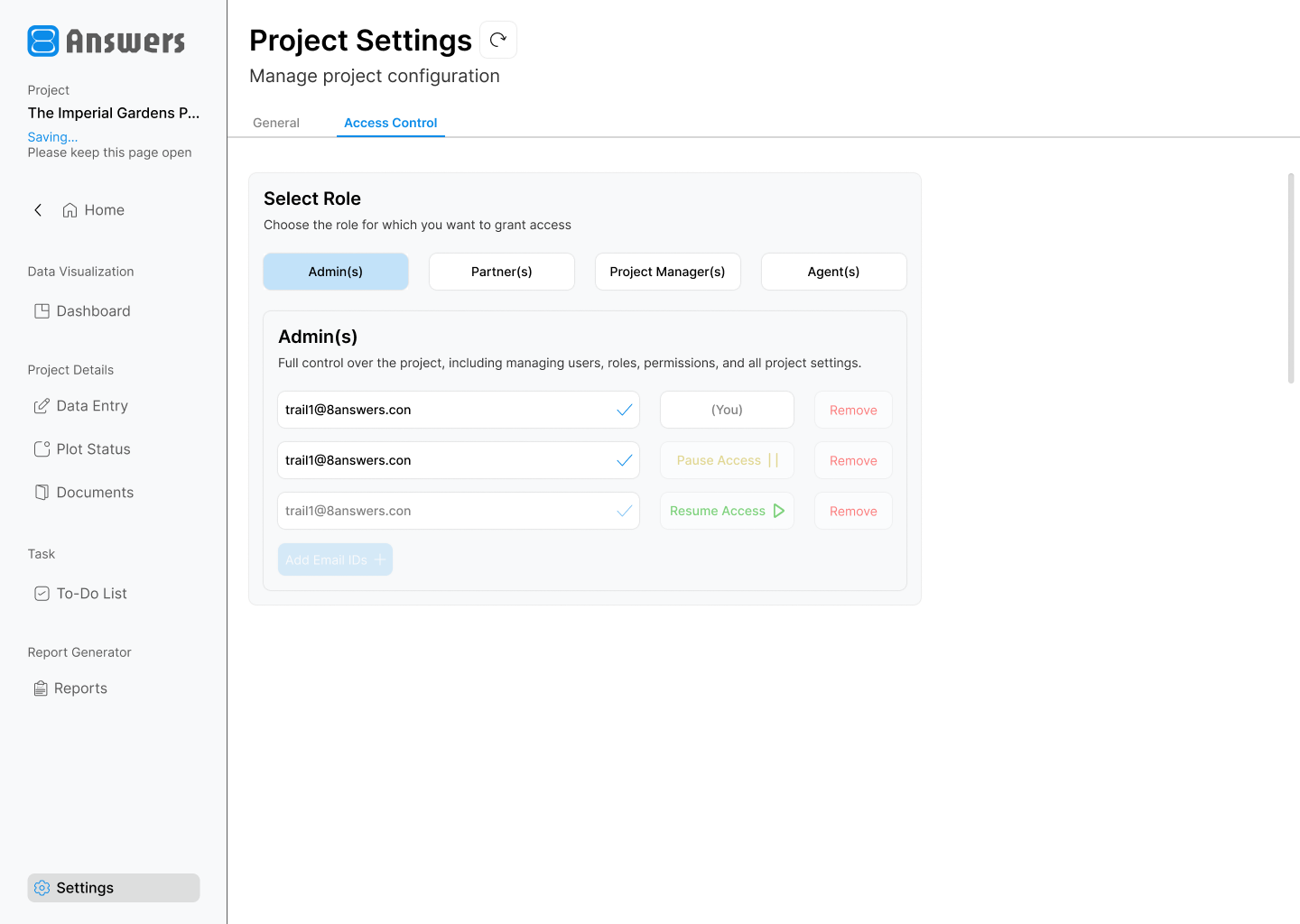
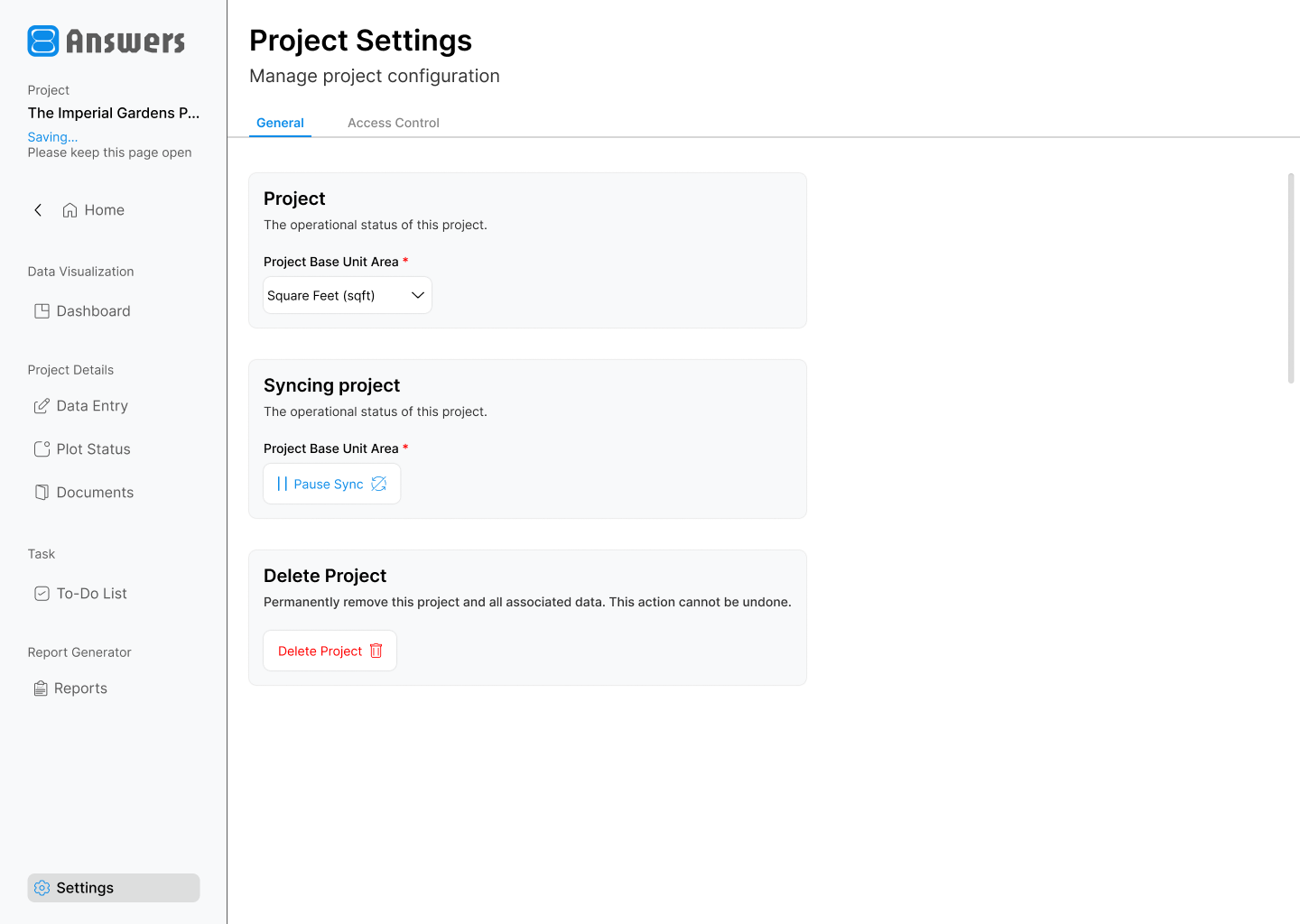
Control synchronization between offline and online data, and securely share project access with stakeholders using email-based invitations.
1 / 2
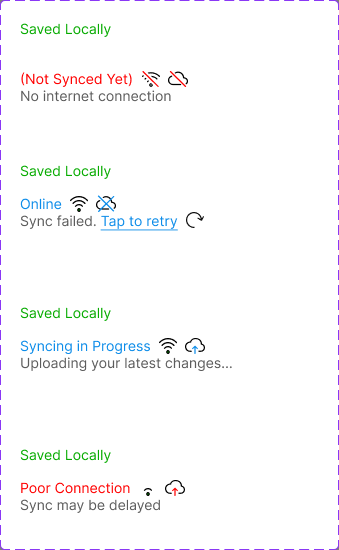
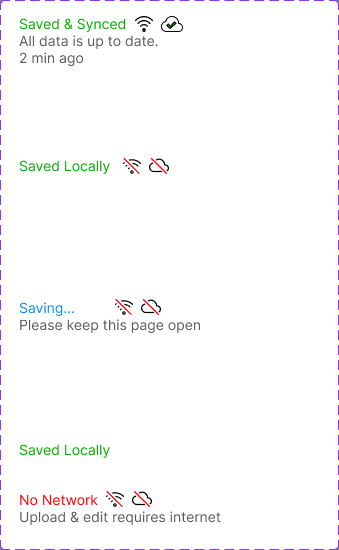
Clear sync and connection status states help users understand whether work is saved locally, synced online, still uploading, delayed, or blocked by network issues.
This project taught me that successful product design is not about fitting more features into an interface, but about understanding user behavior and creating workflows that feel familiar, intuitive, and efficient. The decision to move from a mobile-first approach to a desktop-first experience reinforced the importance of validating design decisions through real user feedback rather than assumptions.